How to Clean Your Phone and Keyboard Safely and Effectively
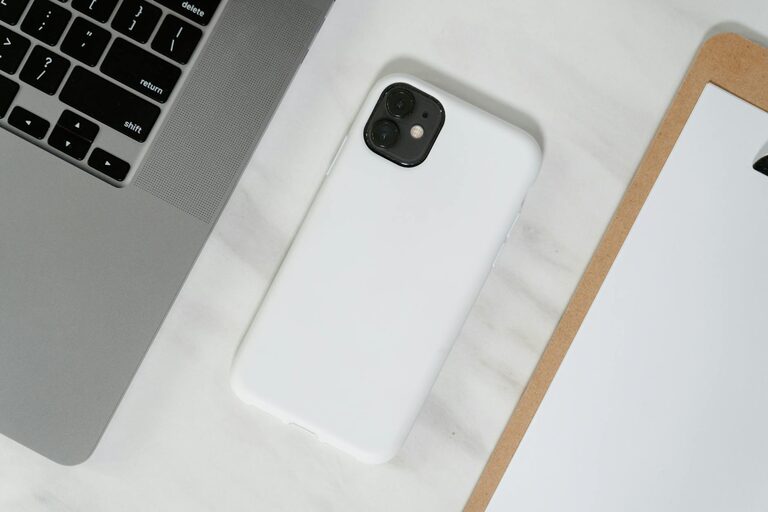
Keeping your phone and keyboard clean is essential—not just for aesthetic reasons, but also to maintain hygiene and ensure your devices continue to work smoothly. With frequent handling, these gadgets accumulate dirt, oils, and germs that can affect their performance and your health. Cleaning them safely and effectively doesn’t have to be complicated. This guide provides practical tips on how to clean your phone and keyboard without damaging them.
Why Clean Your Phone and Keyboard?
Phones and keyboards are among the most frequently touched objects in our daily lives. They can harbor bacteria and viruses, attract dust and grime, and collect sticky residue from food or drinks. Regular cleaning helps:
– Reduce the spread of germs
– Prevent buildup that can interfere with functionality
– Improve the appearance of your devices
– Extend the life of your gadgets
Always keep in mind that electronic devices are delicate. Using harsh chemicals or too much moisture can cause damage. Follow the steps below to clean your devices safely.
What You’ll Need
Before starting, gather the following cleaning supplies:
– Microfiber cloths (lint-free and soft)
– Distilled water
– Isopropyl alcohol (70% or above is best)
– Cotton swabs
– Compressed air (optional)
– Small, soft brush (like a paintbrush)
– Mild dish soap (optional)
Avoid paper towels, abrasive cloths, or harsh chemicals like bleach or ammonia.
How to Clean Your Phone Safely
Step 1: Power Off Your Device
Always turn off your phone before cleaning to prevent any electrical issues.
Step 2: Remove Cases and Accessories
Take off any cases, screen protectors, or accessories. Clean these separately according to the manufacturer’s instructions. Most silicone or rubber cases can be washed with mild soap and water.
Step 3: Wipe with a Microfiber Cloth
Lightly dampen a microfiber cloth with distilled water or a 70% isopropyl alcohol solution. Avoid soaking the cloth; it should be just damp. Gently wipe your phone’s screen, back, and sides to remove fingerprints, oil, and dust.
Step 4: Clean Small Crevices
Use a dry cotton swab to clean around buttons, ports, and camera lenses. For stubborn dirt, a slightly dampened swab can help, but be very careful to avoid getting liquid inside openings.
Step 5: Dry and Reassemble
Once clean, let your phone air dry completely before turning it back on or putting on cases.
How to Clean Your Keyboard Safely
Step 1: Power Down and Disconnect
Turn off your computer or disconnect your keyboard if it’s external to avoid accidental key presses and potential damage.
Step 2: Remove Loose Debris
Turn the keyboard upside down and gently shake to dislodge crumbs and dust. You can also use compressed air to blow out particles between keys.
Step 3: Wipe the Surface
Dampen a microfiber cloth with the same 70% isopropyl alcohol solution or a mixture of mild dish soap and water. Wring it out thoroughly to prevent moisture from dripping. Wipe all keys and surfaces carefully.
Step 4: Clean Between Keys
Use a soft brush to sweep between keys. Cotton swabs can also be used to target stubborn grime, but avoid excess moisture.
Step 5: Deep Cleaning (Optional)
If your keyboard allows it, gently remove keycaps using a keycap puller or your fingers (refer to your model’s instructions). Soak the keys in soapy water, rinse, and dry fully before reinstalling.
Step 6: Let It Dry Completely
Allow your keyboard to air dry before reconnecting or powering it back on.
Additional Tips for Device Care
– Clean your devices regularly, ideally once a week or more if you use them often
– Wash your hands before using your phone and keyboard to minimize dirt transfer
– Avoid eating or drinking near your devices
– Store your phone and keyboard in a clean area to reduce dust buildup
What to Avoid When Cleaning Electronics
– Don’t spray liquids directly onto devices. Always apply liquids to cloths first.
– Avoid using bleach, ammonia, or other harsh chemicals that can damage coatings.
– Don’t use abrasive materials or scrub hard, as this can scratch surfaces.
– Avoid excessive moisture, especially near ports and openings.
Conclusion
Cleaning your phone and keyboard is a simple habit that can improve device longevity and keep your workspace healthier. Using gentle materials like microfiber cloths and isopropyl alcohol, and exercising care around buttons and openings will ensure your electronics stay safe and clean. By dedicating a few minutes each week to maintenance, you can enjoy your devices in better condition for longer.
Happy cleaning!